Tarif 590 invoicing with QR-bill, built into your calendar
Create Tarif 590 invoices compliant with the XML 5.0 standard straight from the patient record, right after the appointment. Your patients receive an invoice with a Swiss QR-bill and the reimbursement receipt to send to their supplementary insurer.
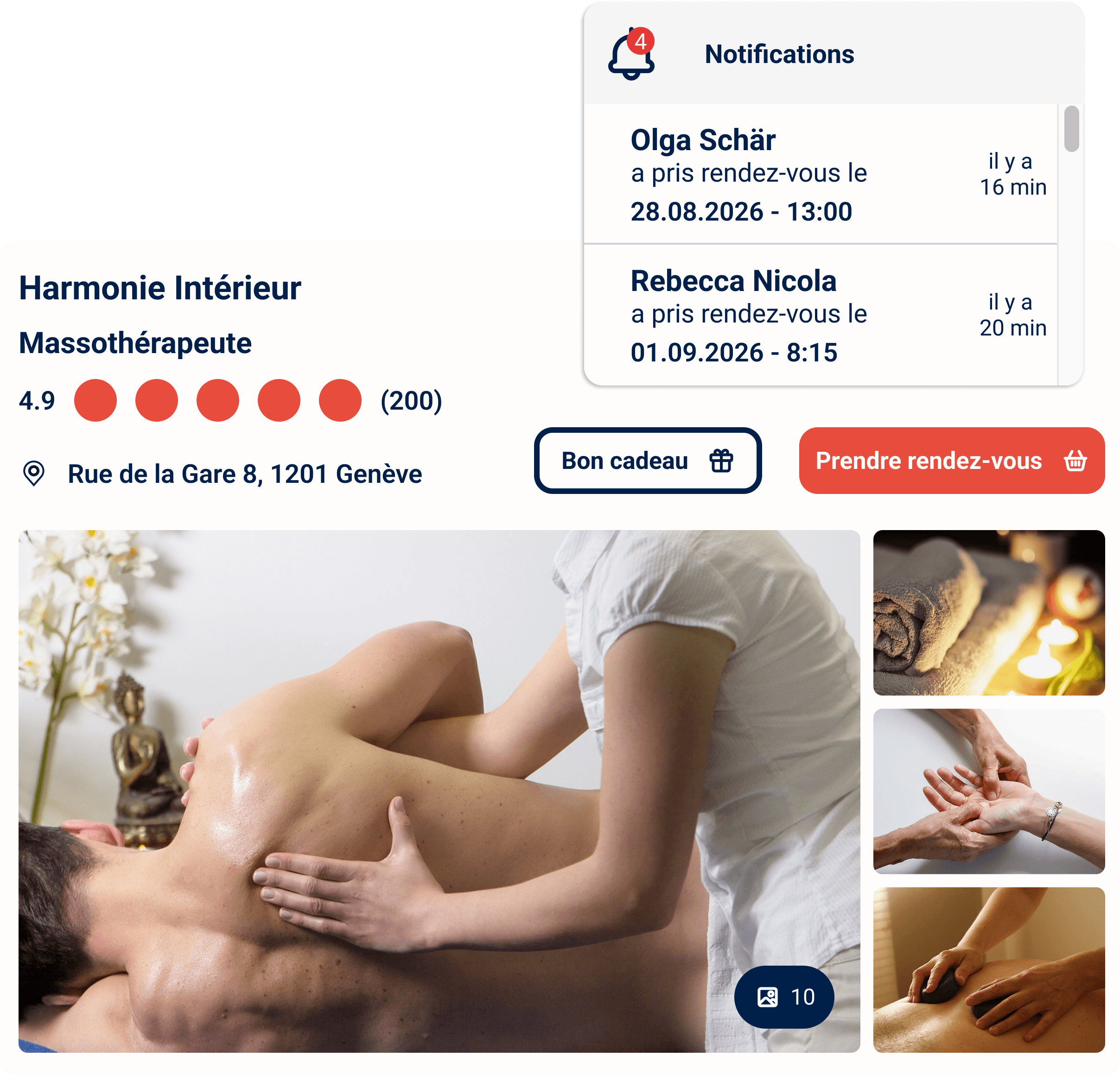
Many therapists bill Tarif 590 in a separate, paid tool and re-type patients and sessions that are already in their calendar. Reserveo brings both together: appointment, patient and invoice in one place.
A complete invoicing file
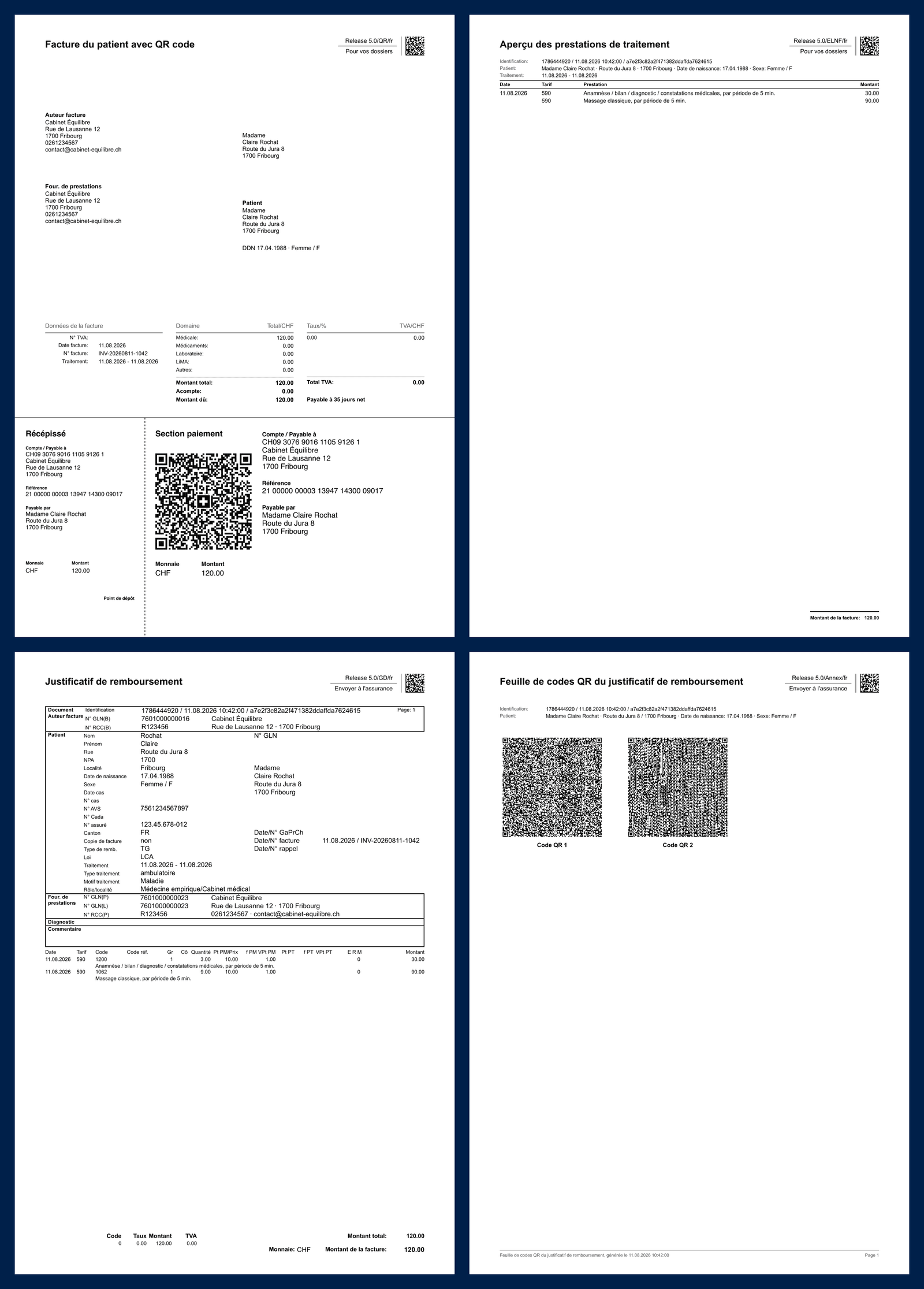
Every Tarif 590 invoice generated by Reserveo bundles four documents, ready to hand to your patient.
- 1
Patient invoice with QR-bill
Your patient pays it via e-banking by scanning the QR-bill.
- 2
Treatment summary
The session's Tarif 590 services in detail, for their records.
- 3
Reimbursement receipt
Sent to the supplementary insurer to get reimbursed.
- 4
QR code sheet
The receipt data as QR codes, which the insurer can read automatically.
Why bill Tarif 590 with Reserveo?
Compliant with the XML 5.0 standard
Invoices follow the General Invoice 5.0 format used for Tarif 590, in tiers garant mode: the patient pays you, then claims reimbursement from their insurer.
Built-in Swiss QR-bill
The first page carries a QR-bill ready to be paid through e-banking, with your IBAN and a payment reference.
A complete file for the insurer
Each invoice includes the patient invoice, the treatment summary, the reimbursement receipt and the QR code sheet for the insurer.
Straight from the patient record
Patient and appointment details are filled in automatically: no more double entry between your calendar and your billing tool.
In French, German and Italian
Invoices are generated in your patient's language, so you can work anywhere in Switzerland.
How it works
Enter your numbers once
Add your GLN, your ZSR/RCC number, your role, your place of practice and your canton in the Tarif 590 settings.
See your patients
Patients book online, or you add the appointment to the calendar yourself.
Create the invoice from the patient record
Select the Tarif 590 services you provided: Reserveo calculates the amounts and generates the invoice as a PDF.
Send it to the patient
The patient pays with the QR-bill and forwards the reimbursement receipt to their supplementary insurer.
Included in the plan, at no extra cost
Tarif 590 invoicing is part of the single Reserveo plan, together with online booking, reminders, customer management and statistics. No add-on to buy, no per-invoice fee.
- Tarif 590 invoices to the XML 5.0 standard (General Invoice 5.0)
- Swiss QR-bill on every invoice
- Reimbursement receipt and QR code sheet for the insurer
- Standard invoices with QR-bill for your other services
- Online calendar and 24/7 booking
- Appointment reminders by email and SMS
- Patient records with appointment and invoice history
- Data hosting compliant with the Swiss FADP
Tarif 590 invoicing FAQ
What is Tarif 590?
Are Reserveo invoices compliant with XML 5.0?
Does Tarif 590 invoicing cost extra?
What do I need to get started?
Can I also create standard invoices?


